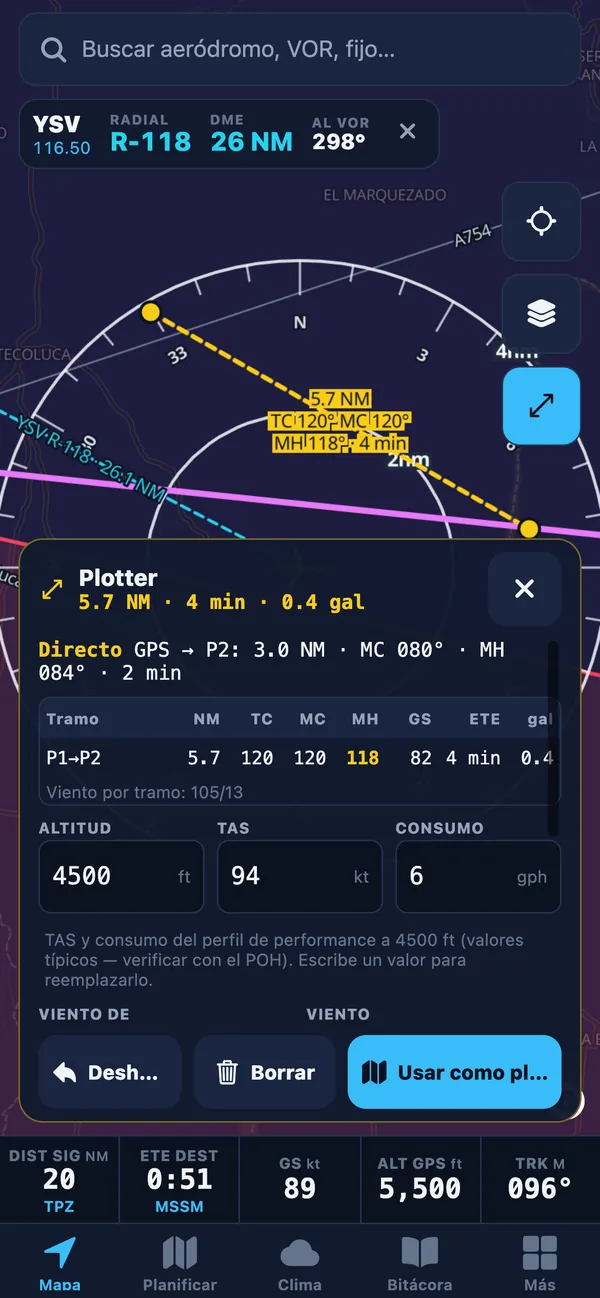
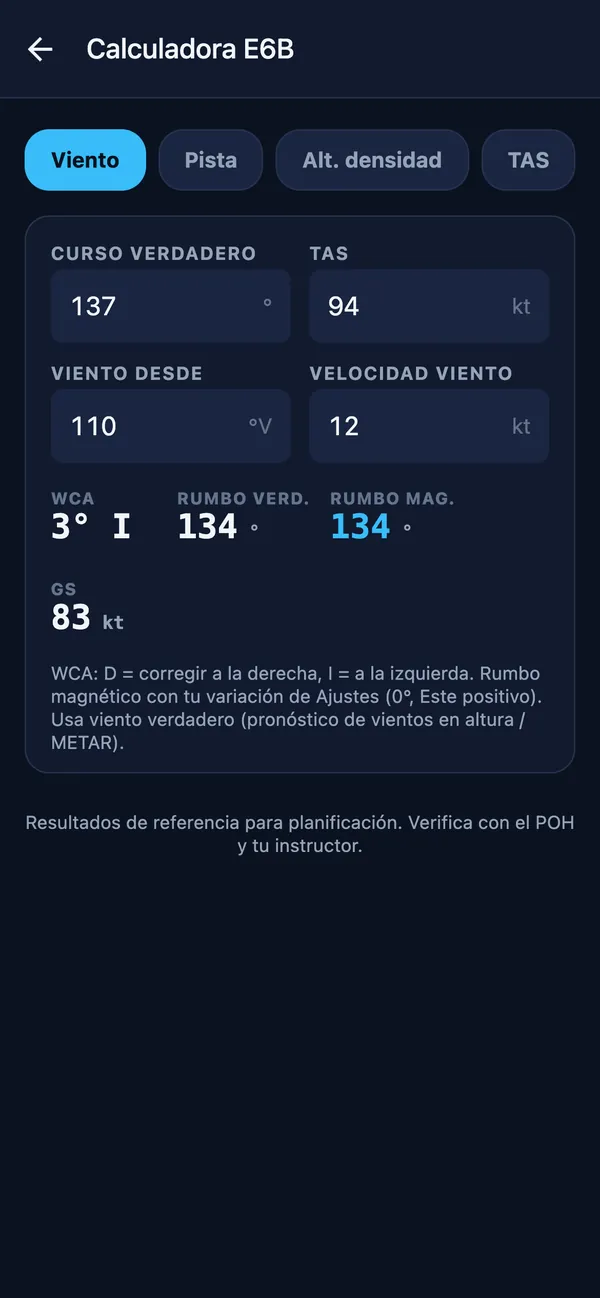
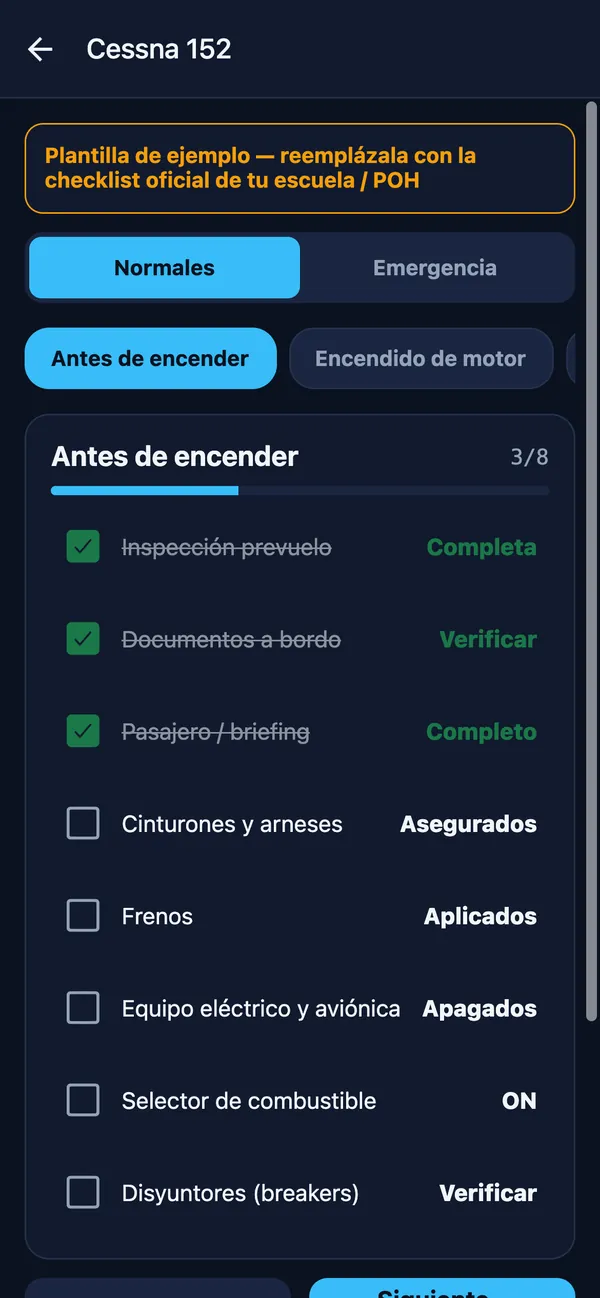
What is Wingmate EFB Simulator?
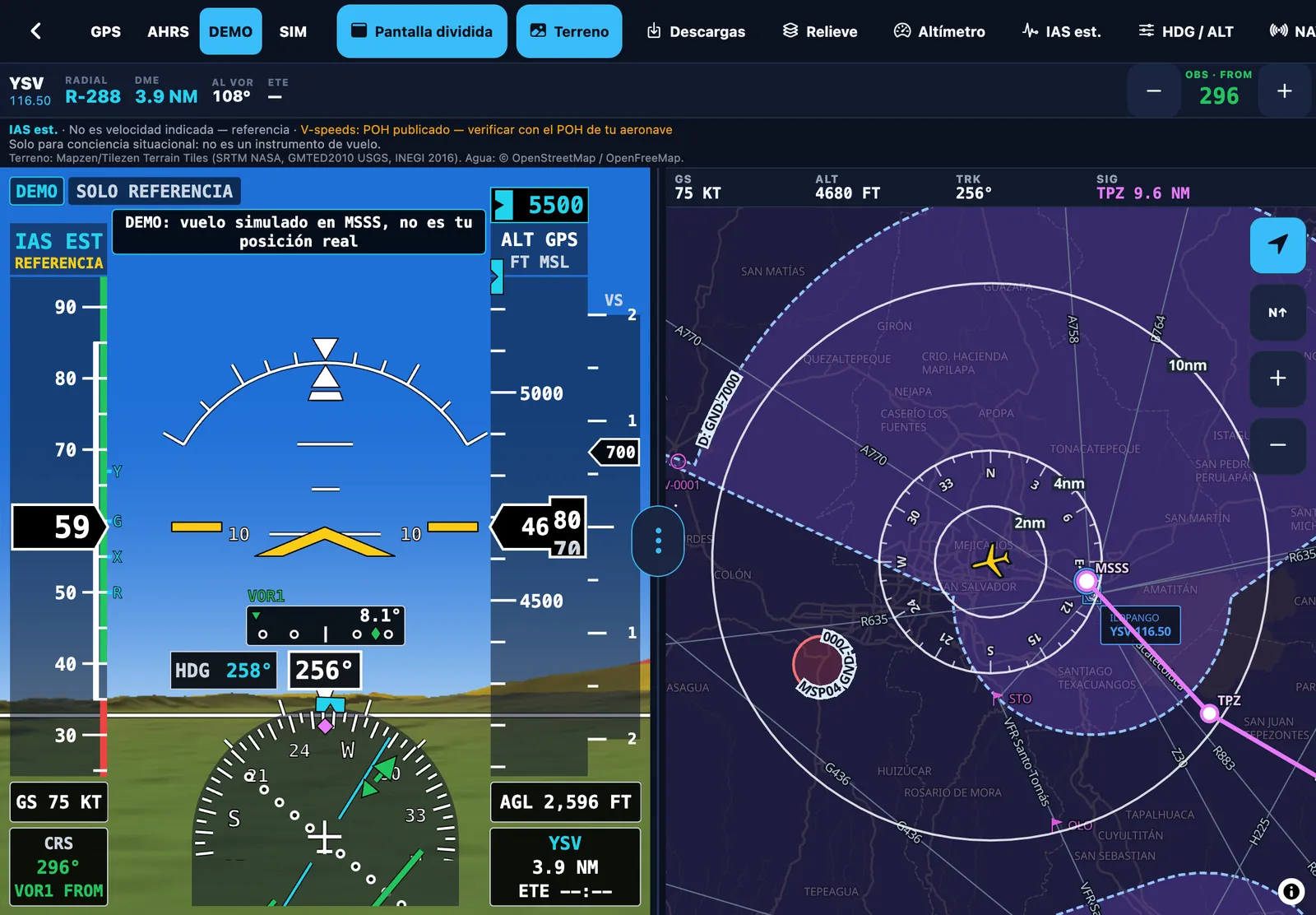
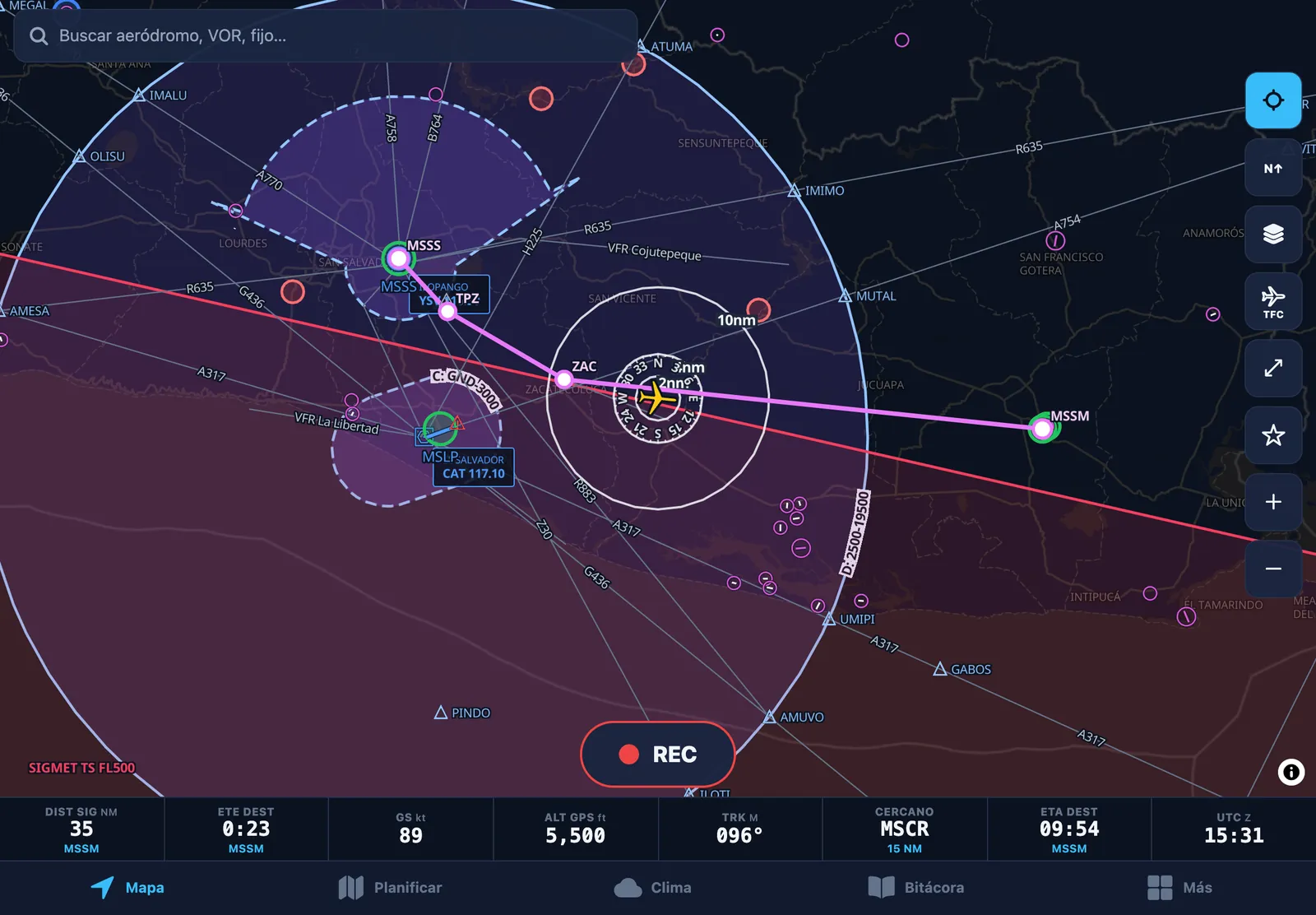
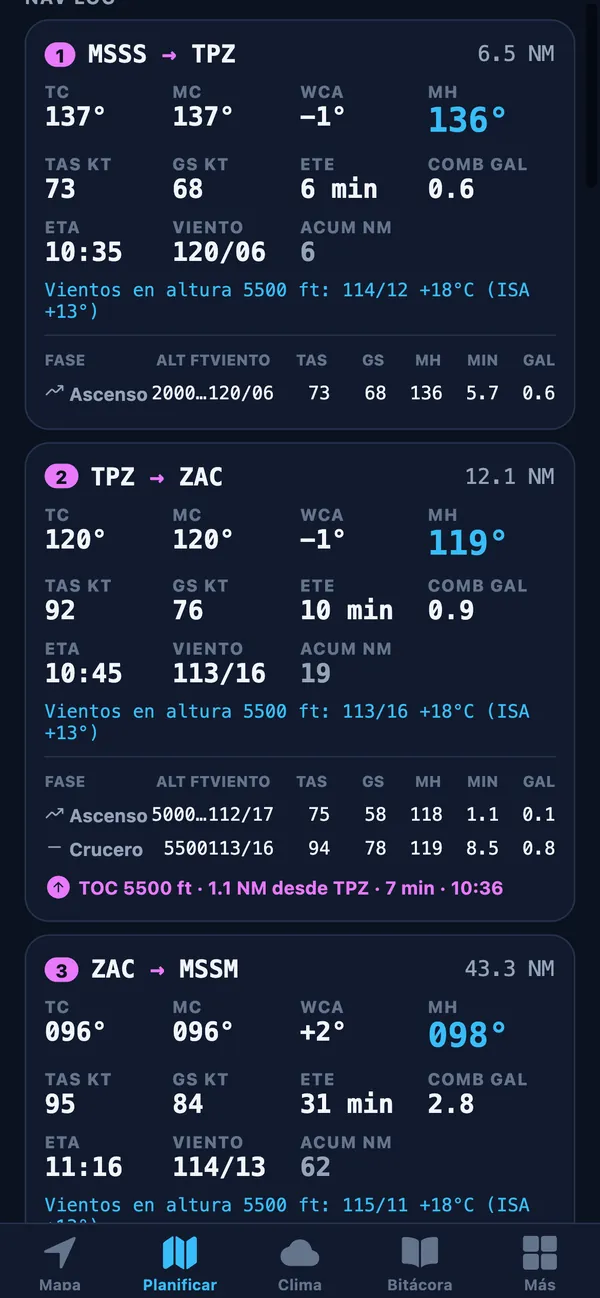
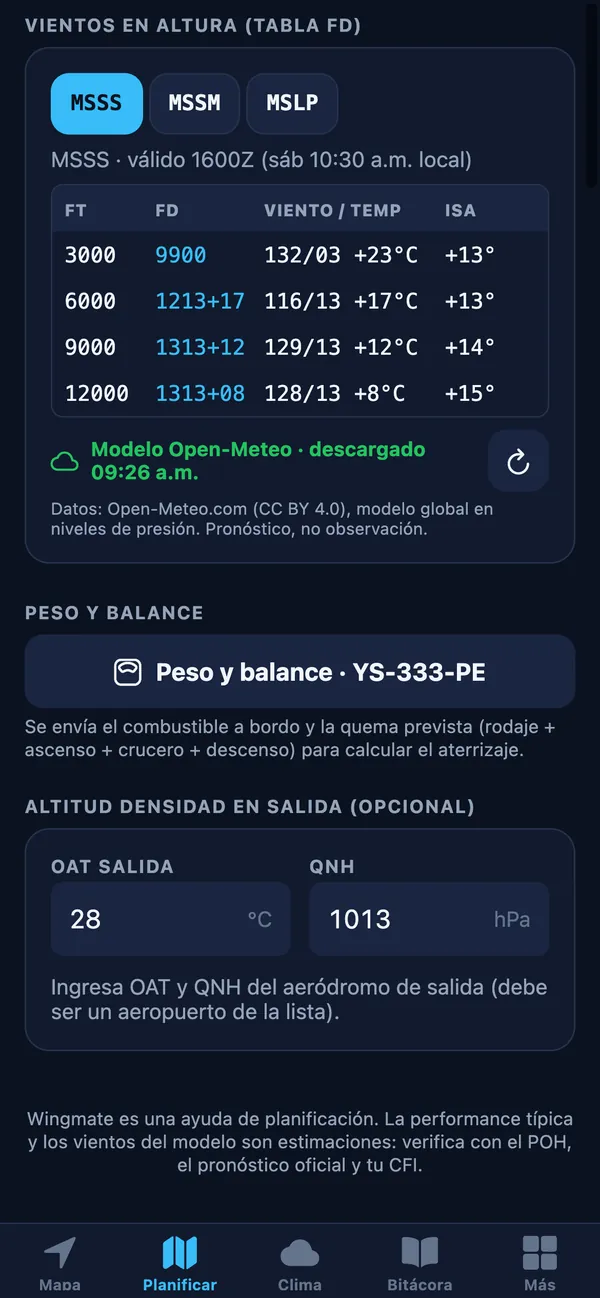
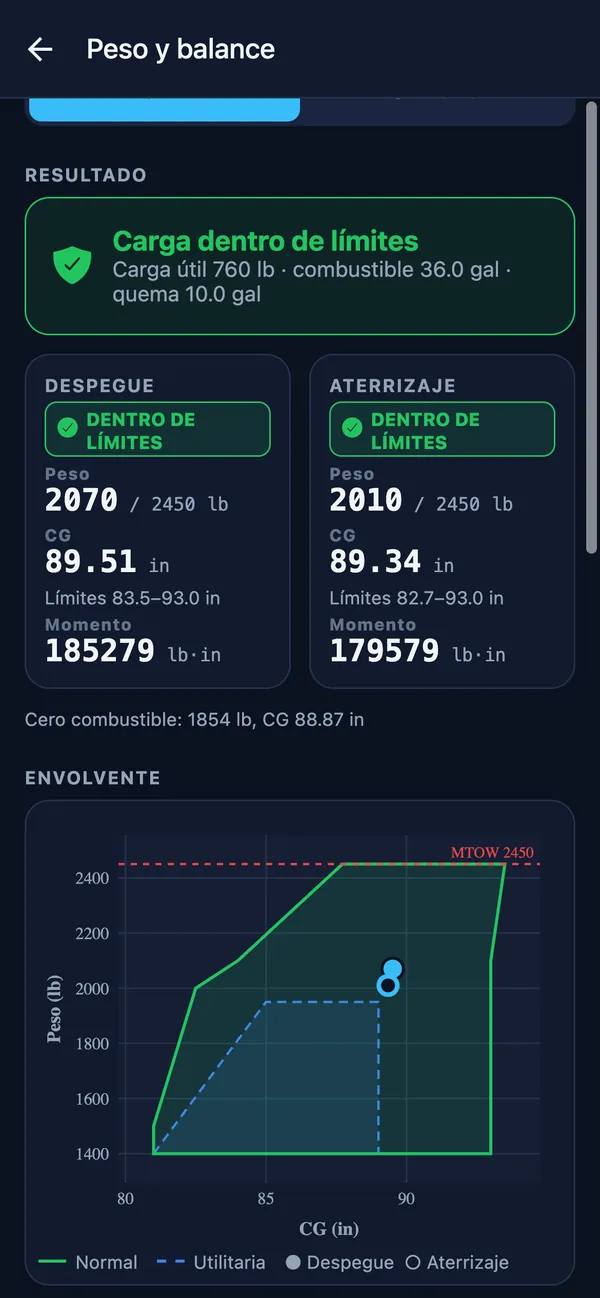
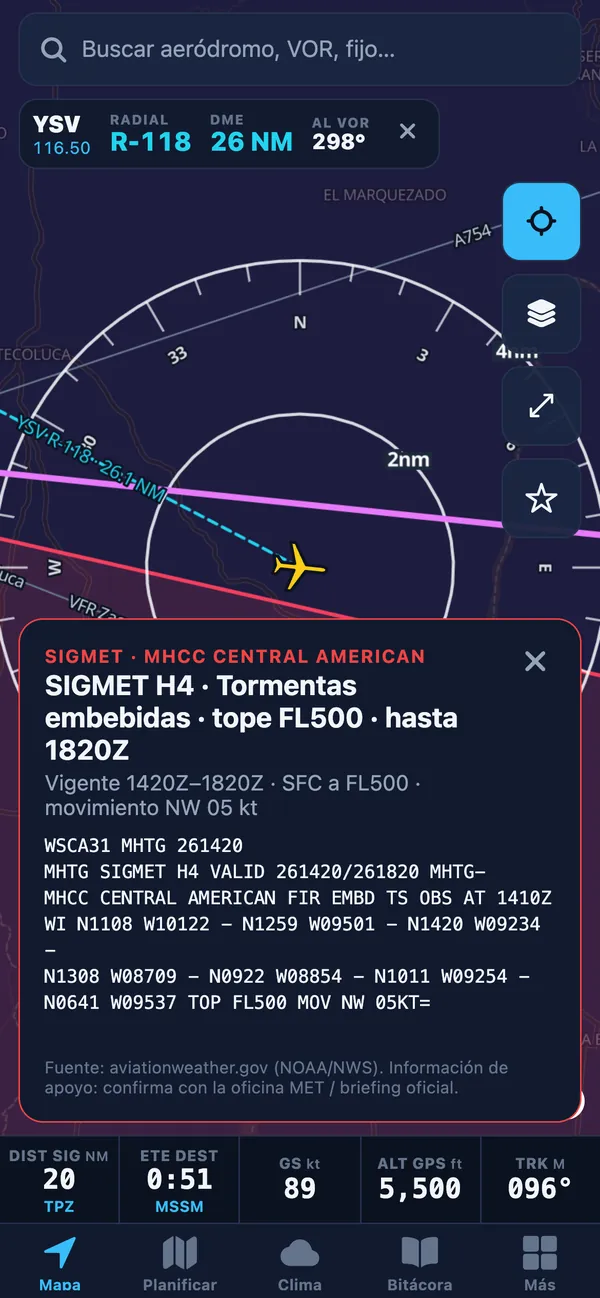
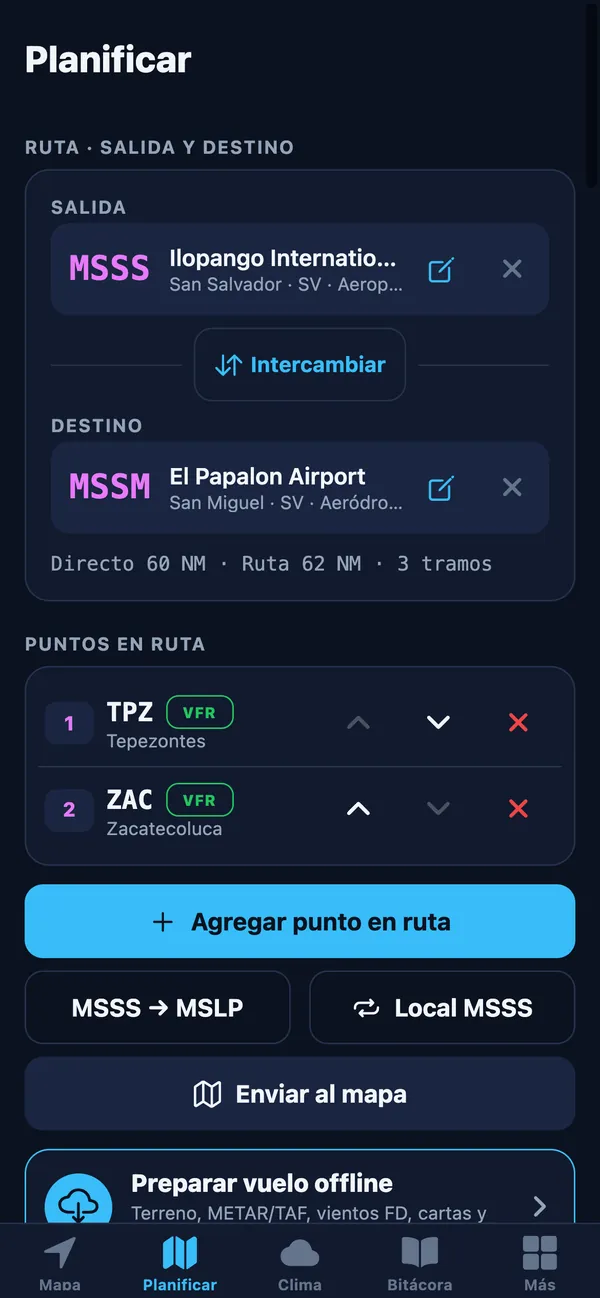
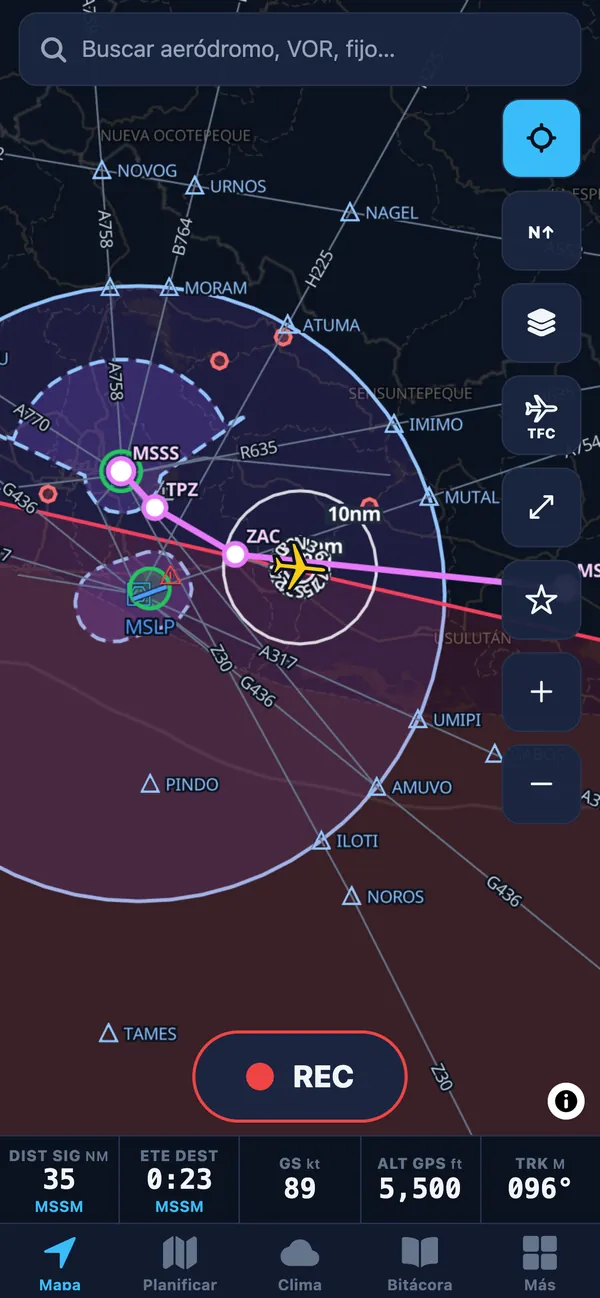
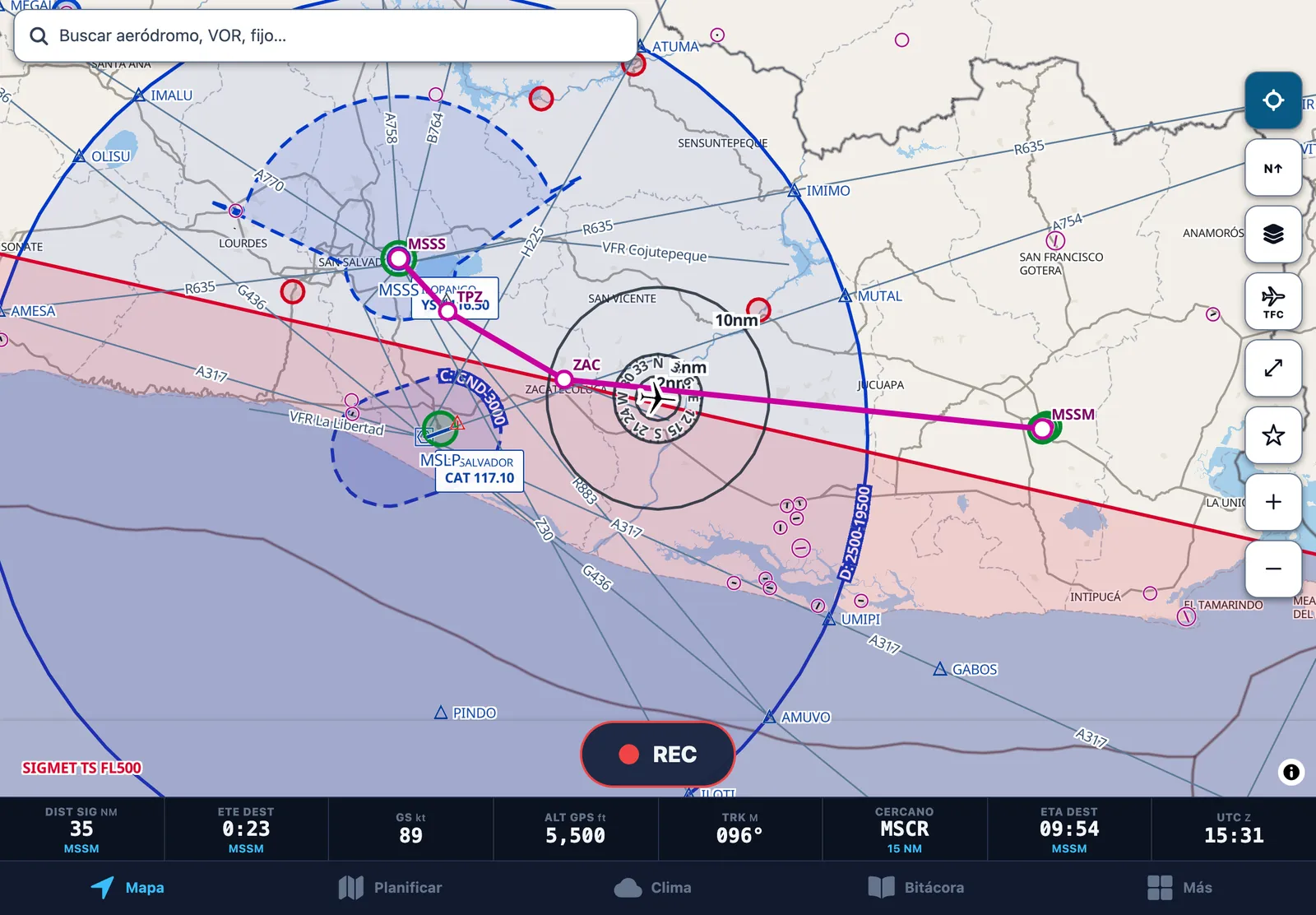
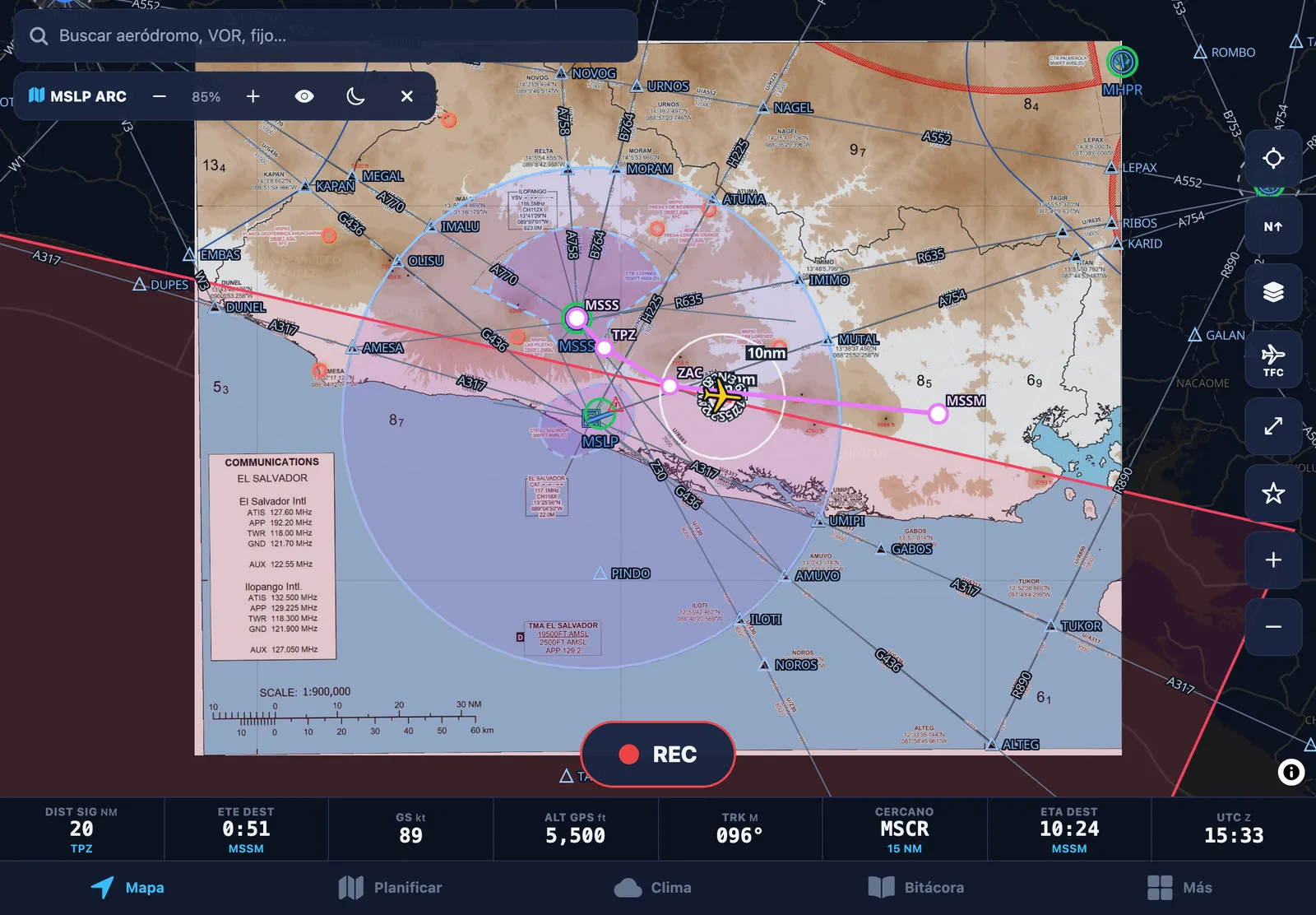
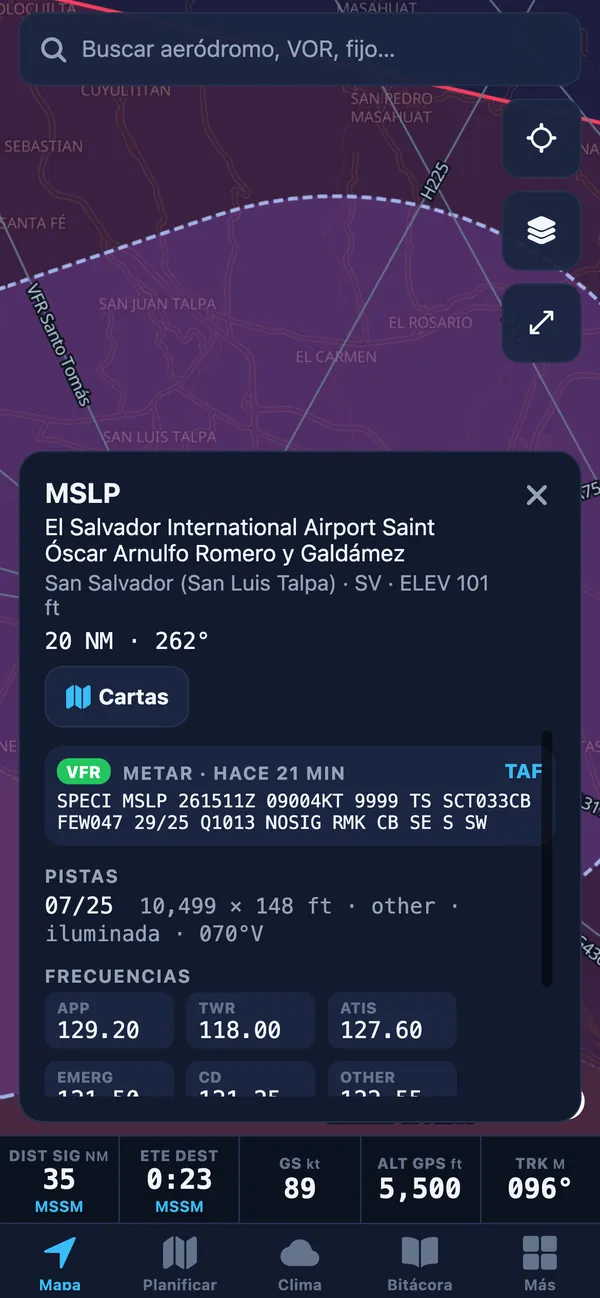
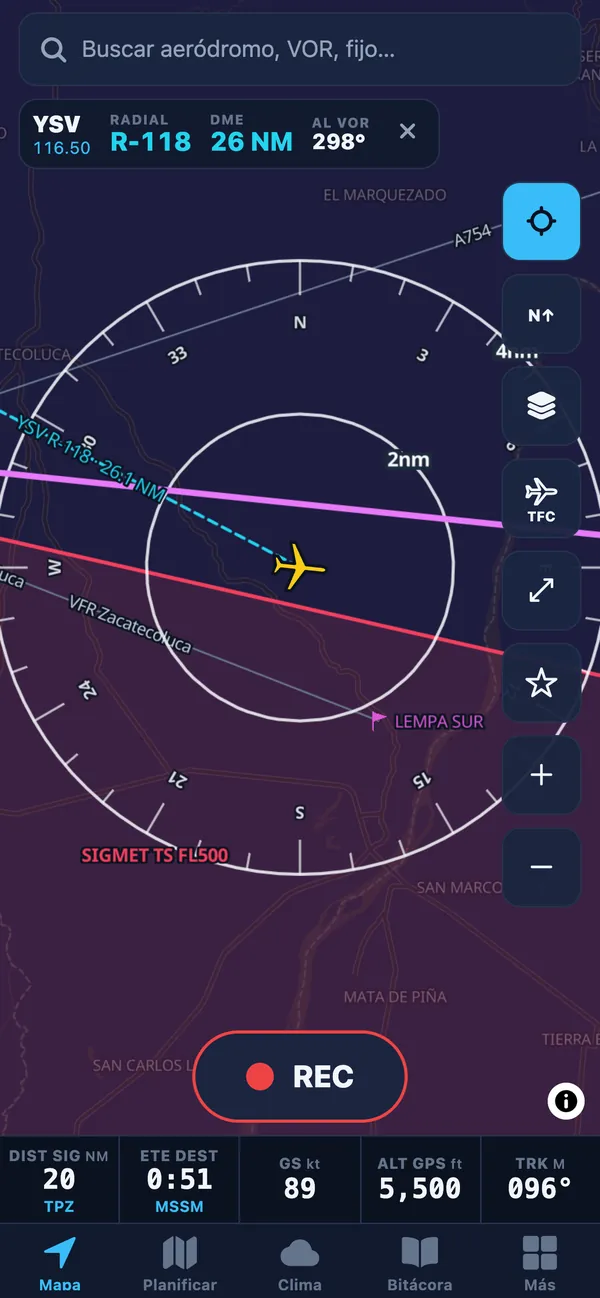
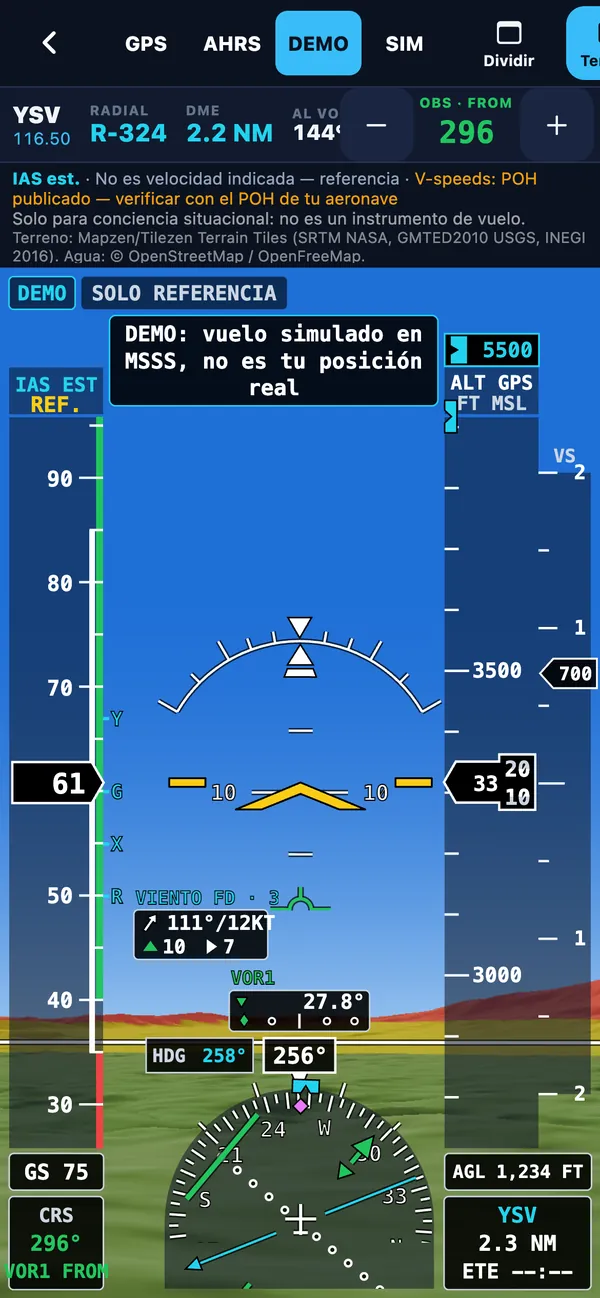
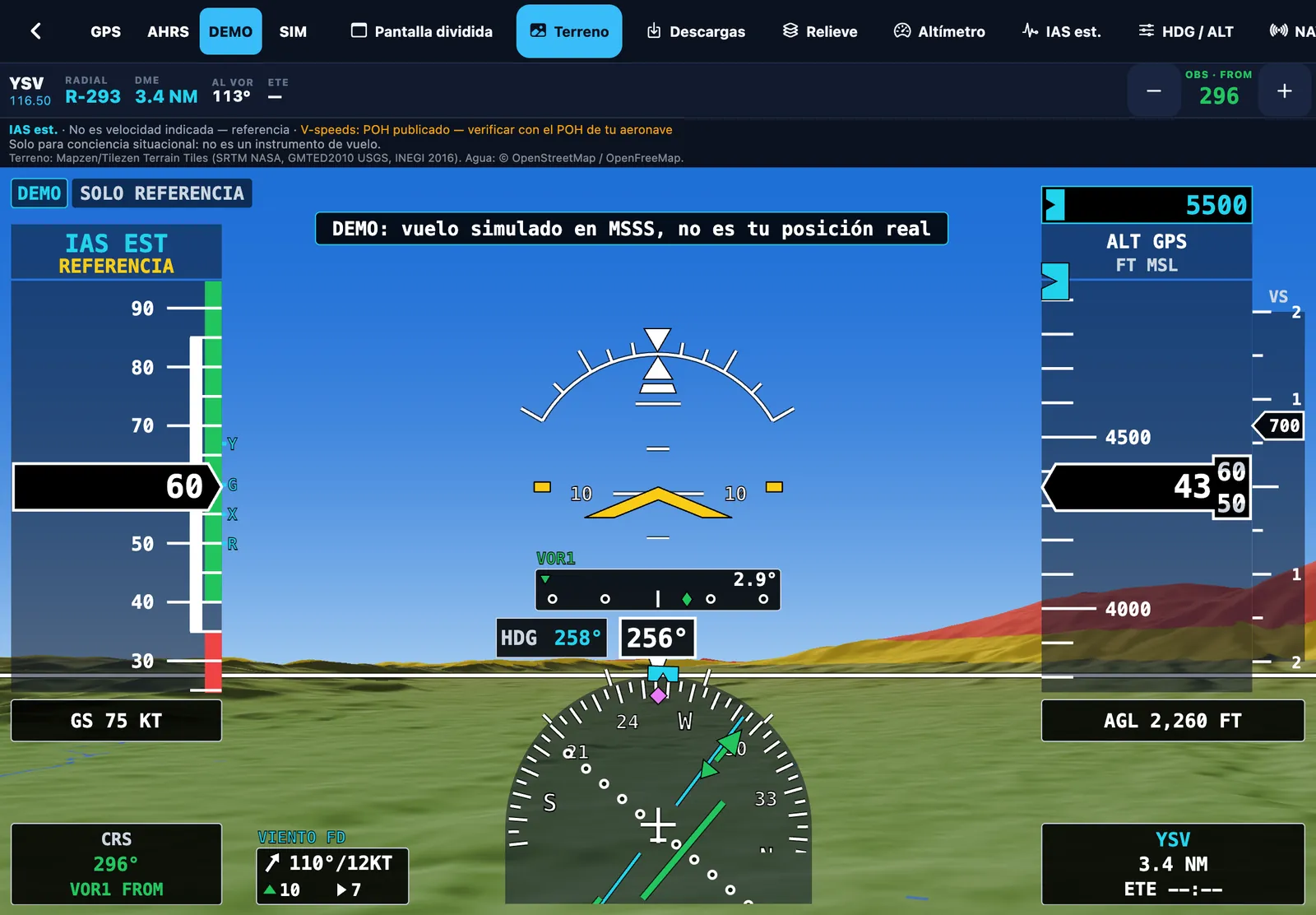
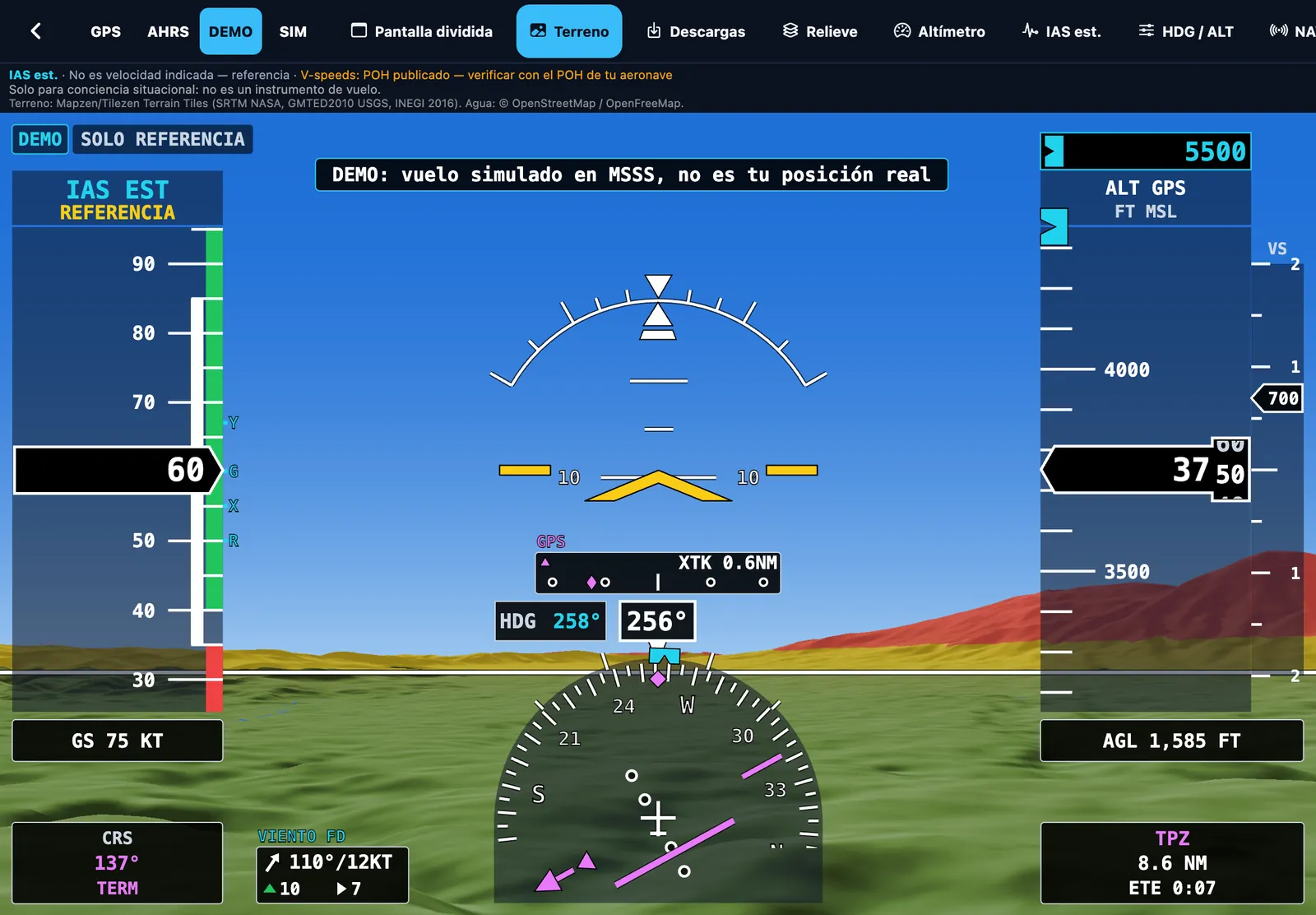
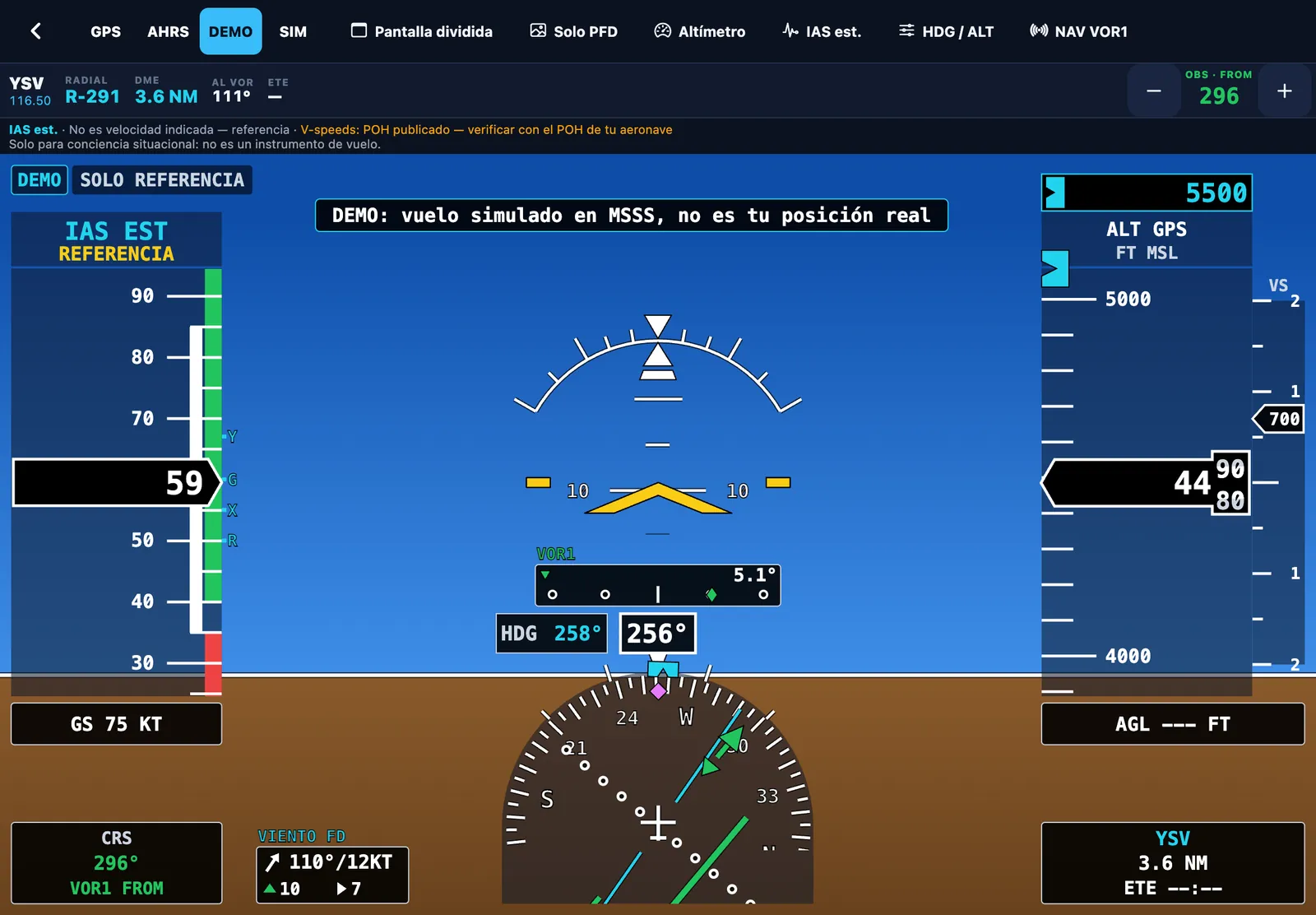
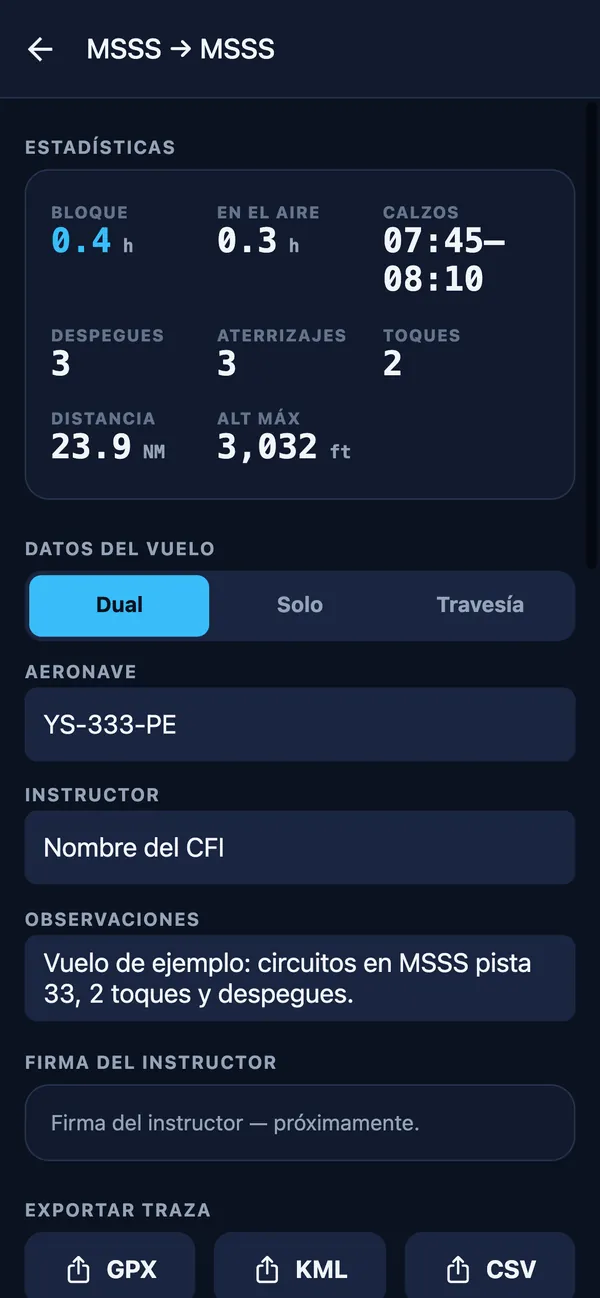
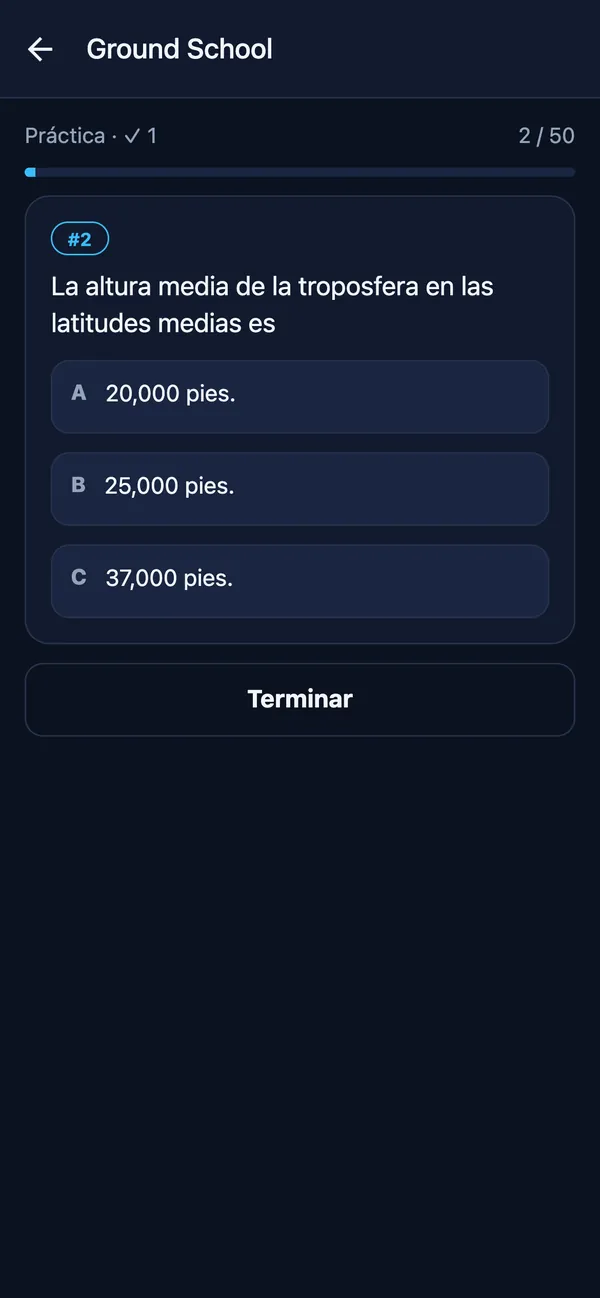
A fully functional EFB simulator, designed as a learning and practice tool for student pilots. It lets you learn to use an electronic flight bag (moving map, charts, NAVLOG, weight and balance, PFD and logbook) on the ground, at school and with your PC simulator.
Can I use it on a real flight?
Wingmate EFB Simulator is a simulator and a learning tool, not a certified flight instrument or a primary navigation reference. If you choose to take it on board, you do so at your own risk and only as a situational-awareness aid: navigate with the aircraft’s instruments and current charts and AIP. The pilot in command decides whether to use a portable electronic device on board and is solely responsible for the operation.
Is Wingmate EFB Simulator a certified flight instrument?
No. It is an EFB simulator for study, training and practice. It does not replace the aircraft’s primary instruments or current charts and AIP, and it is not an EFB approved by AAC El Salvador, AFAC Mexico or any other authority. The pilot in command is solely responsible for the operation. Read the aviation-use notice (Spanish).
When is it available?
Coming soon to the App Store and Google Play as “Wingmate EFB”.
Where does the data come from?
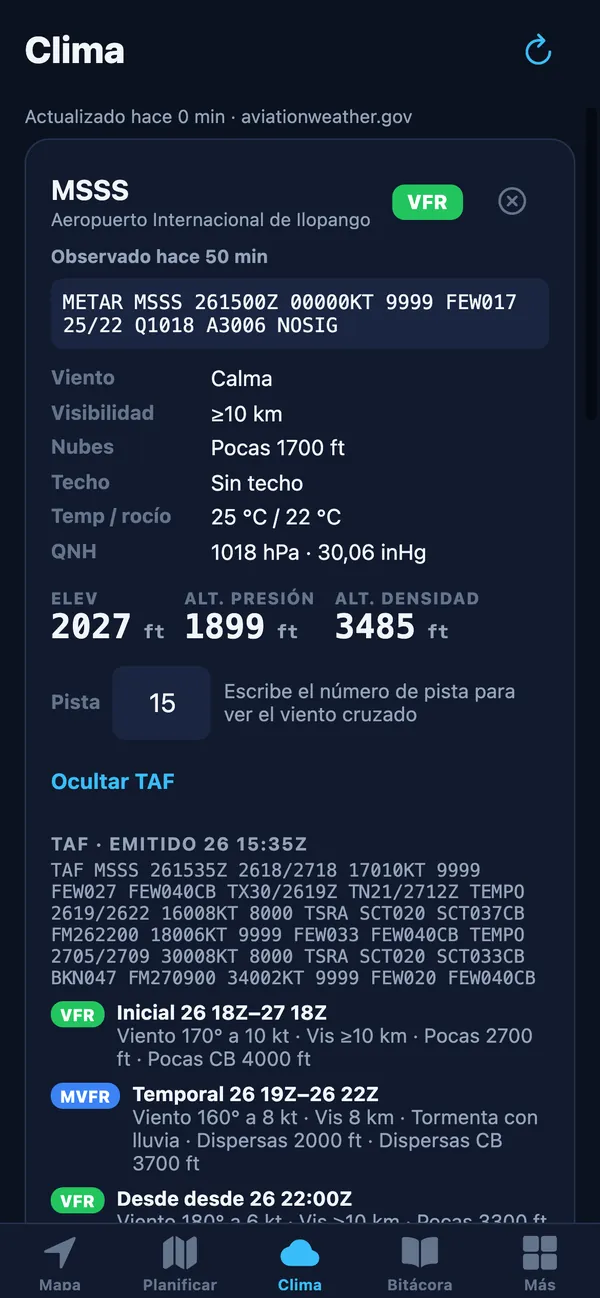
Aeronautical data from the El Salvador AIP (AAC/CEPA) and the Central America AIP (COCESNA); airports from OurAirports; Central American runway numbers from community data; METAR, TAF and SIGMET from aviationweather.gov (NOAA/NWS); winds aloft from Open-Meteo; terrain from SRTM/GMTED models. It may not reflect the current AIRAC cycle or NOTAMs, so always check official sources.
Does it work offline?
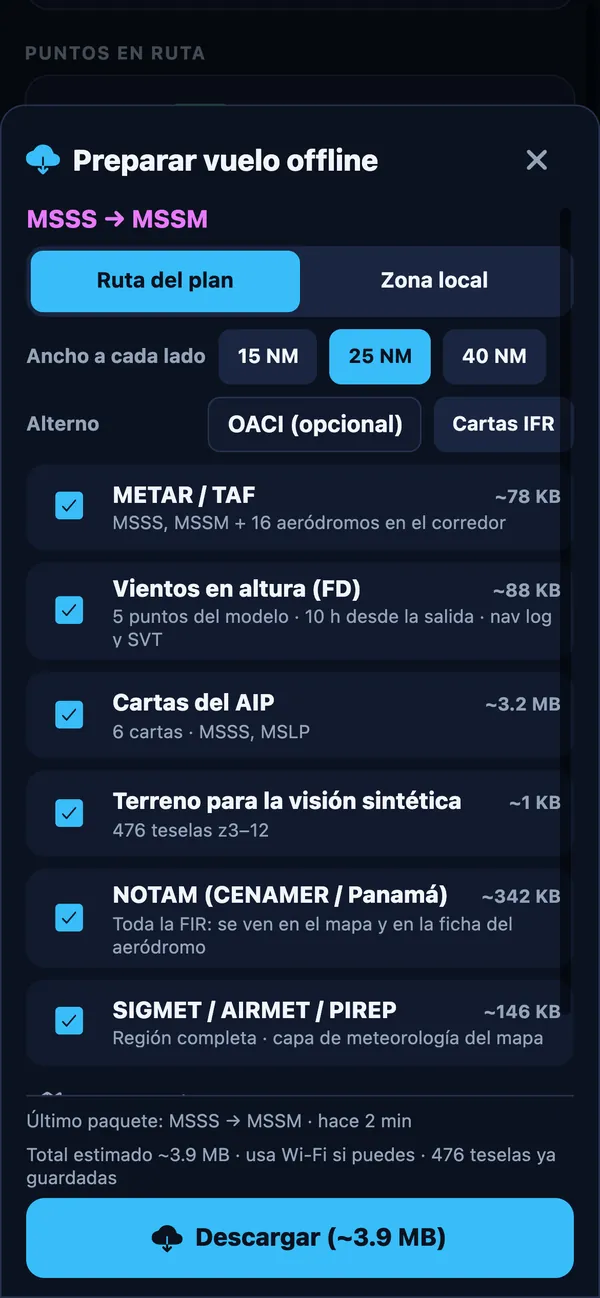
Yes. The map engine and aeronautical data ship inside the app, and GPS works without cell signal. With the offline flight pack (Advance or Pro) you download METAR/TAF, winds, charts, terrain and NOTAMs for your route before takeoff. ADS-B traffic does need internet.
How do I connect my simulator?
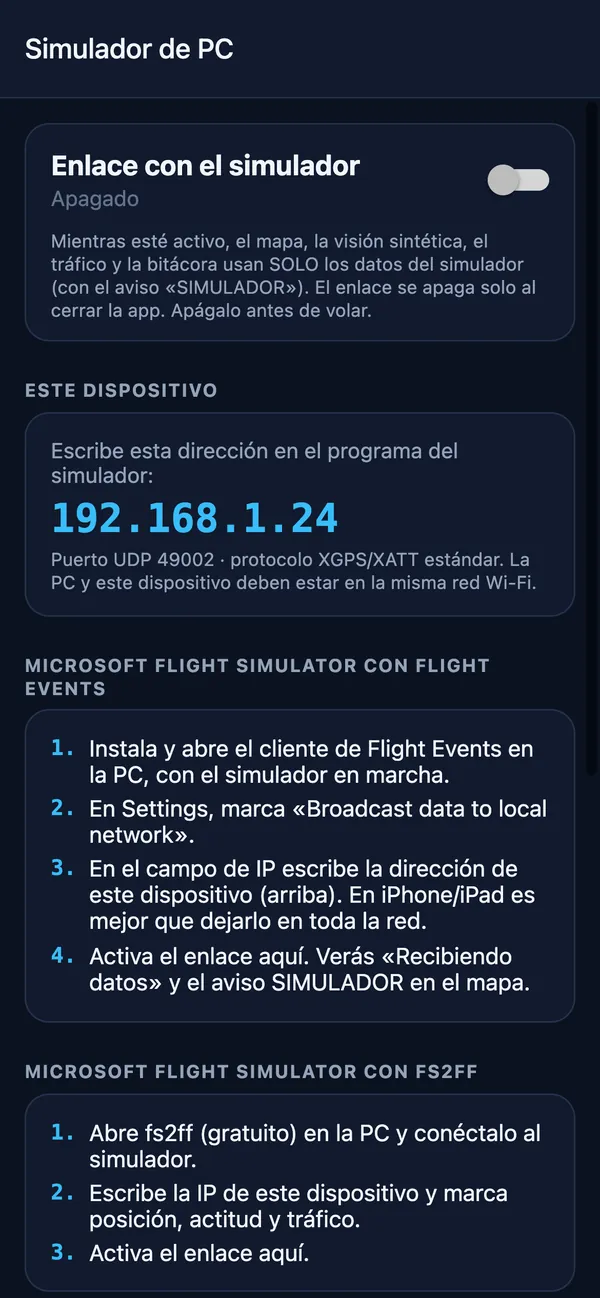
On the Pro plan, open Más → Simulador de PC. Put the PC and the phone or iPad on the same Wi-Fi network, turn on data output for navigation apps in the simulator (or its link program) and enter the IP Wingmate shows, UDP port 49002. The app includes steps for X-Plane 11/12 and for Microsoft Flight Simulator with Flight Events. It is not a certified simulator (FSTD/BATD) and simulated flights do not count as flight time.
Which devices are supported?
iPhone, iPad and Android phones and tablets. On iPad and tablets you get split screen between the map and synthetic vision.
How does the free trial work?
Every plan includes 7 days free. A payment method on your Apple or Google account is required; if you do not cancel before the trial ends, the subscription renews automatically on the plan you chose.
How do I cancel?
Anytime, from your account: on iPhone/iPad go to Settings → your name → Subscriptions; on Android go to Google Play → Payments & subscriptions → Subscriptions. You keep access until the end of the paid period.
What is the difference between Básico, Advance and Pro?
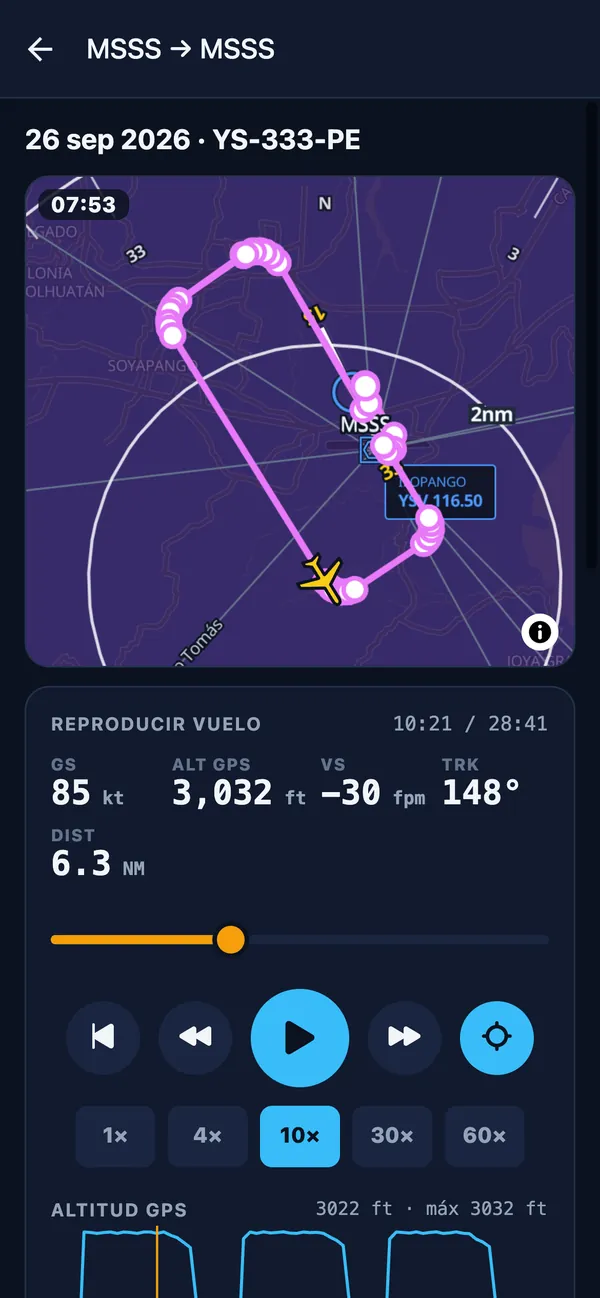
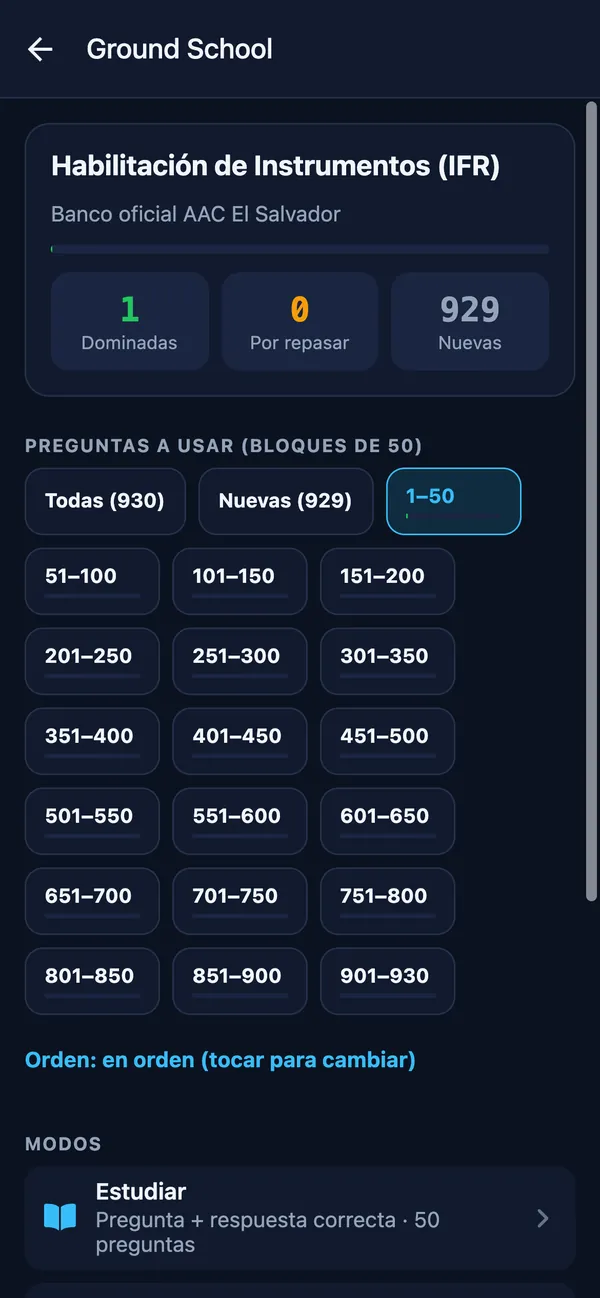
Básico has the map with aviation data and live GPS, VOR, charts, weather, plotter, E6B, checklists, your own waypoints and Ground School. Advance adds flight planning, NAVLOG PDF, weight and balance, saved plans, route editing on the map, the offline pack and ADS-B traffic. Pro includes everything, plus synthetic vision/PFD with AHRS, HSI and selectors, terrain downloads, split screen, flight recording with logbook and the PC simulator link.